

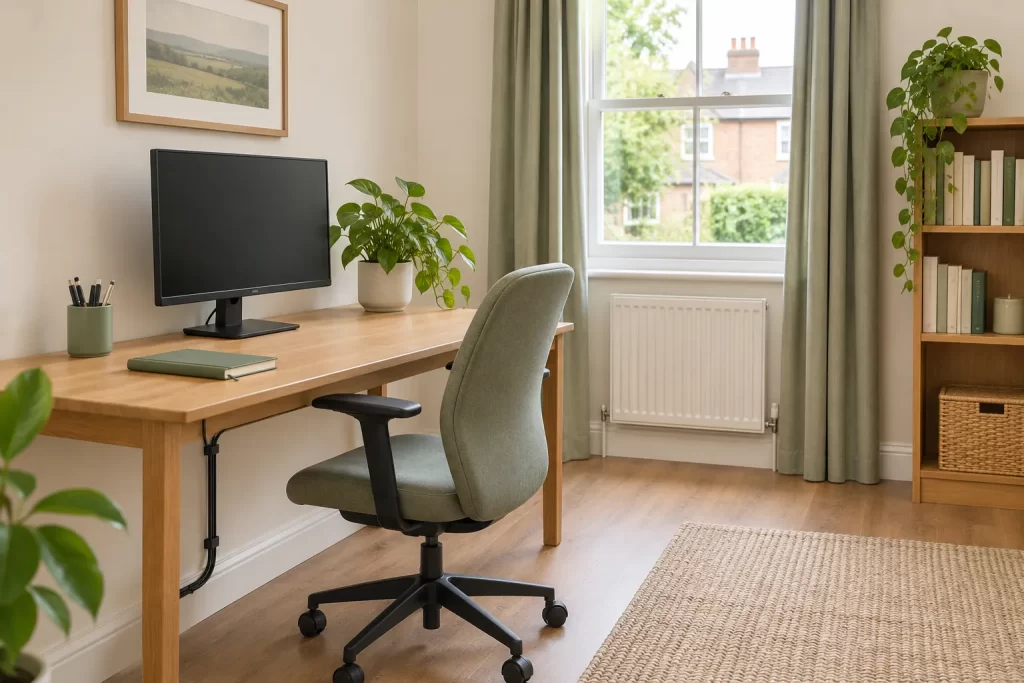
A home office can be one of the most used rooms in a house and one of the hardest to clean without disturbing work. Cables, papers and equipment make even a clear desk look complicated. Agree what can be touched, make the floor route accessible and leave sensitive work items in your control.
Decide which surfaces are in scope
List the surfaces you want cleaned: perhaps the free part of the desk, shelving at reachable height, the window sill and the floor. Identify what should be left alone, such as a computer, monitor, filing tray or open notebook. “Clean the office” does not tell a visitor whether moving documents or unplugging equipment is acceptable. A short note beside the door can make the boundary clear.
If the desk is covered in current work, clear an agreed area before the visit. Put private records and valuables in a drawer or another secure place you control. Do not expect a cleaner to sort paperwork into categories or decide which documents may be moved. If you need a thorough room reset, discuss that as a separate task rather than allowing it to be inferred from routine domestic cleaning.
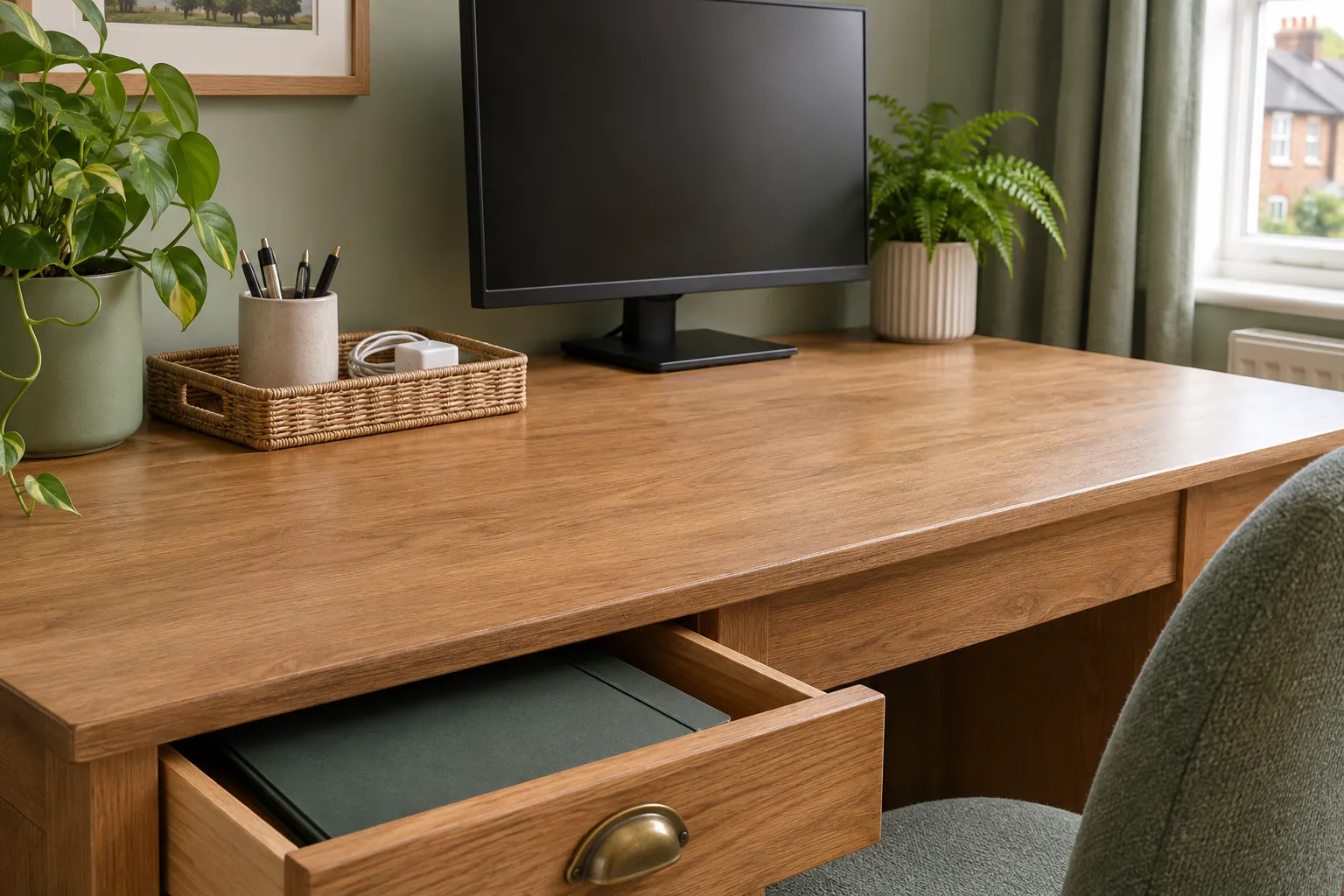
Make cables and equipment safe to work around
Route loose leads away from the walking area where practical. Check for frayed cables, overloaded sockets or an unstable power strip and address them before anyone works nearby. Do not ask someone to reach behind connected equipment or move a heavy desk to retrieve dust. Unplugging, repairing and reconnecting devices belong with the person responsible for them.
Tell the cleaner if a cable must remain connected or a machine cannot be switched off. Keep drinks away from electronics and avoid spraying cleaning liquid towards vents, ports or switches. Follow the equipment manufacturer’s care guidance for screens and keyboards. A cloth or product suitable for a worktop may be unsuitable for a coated display.
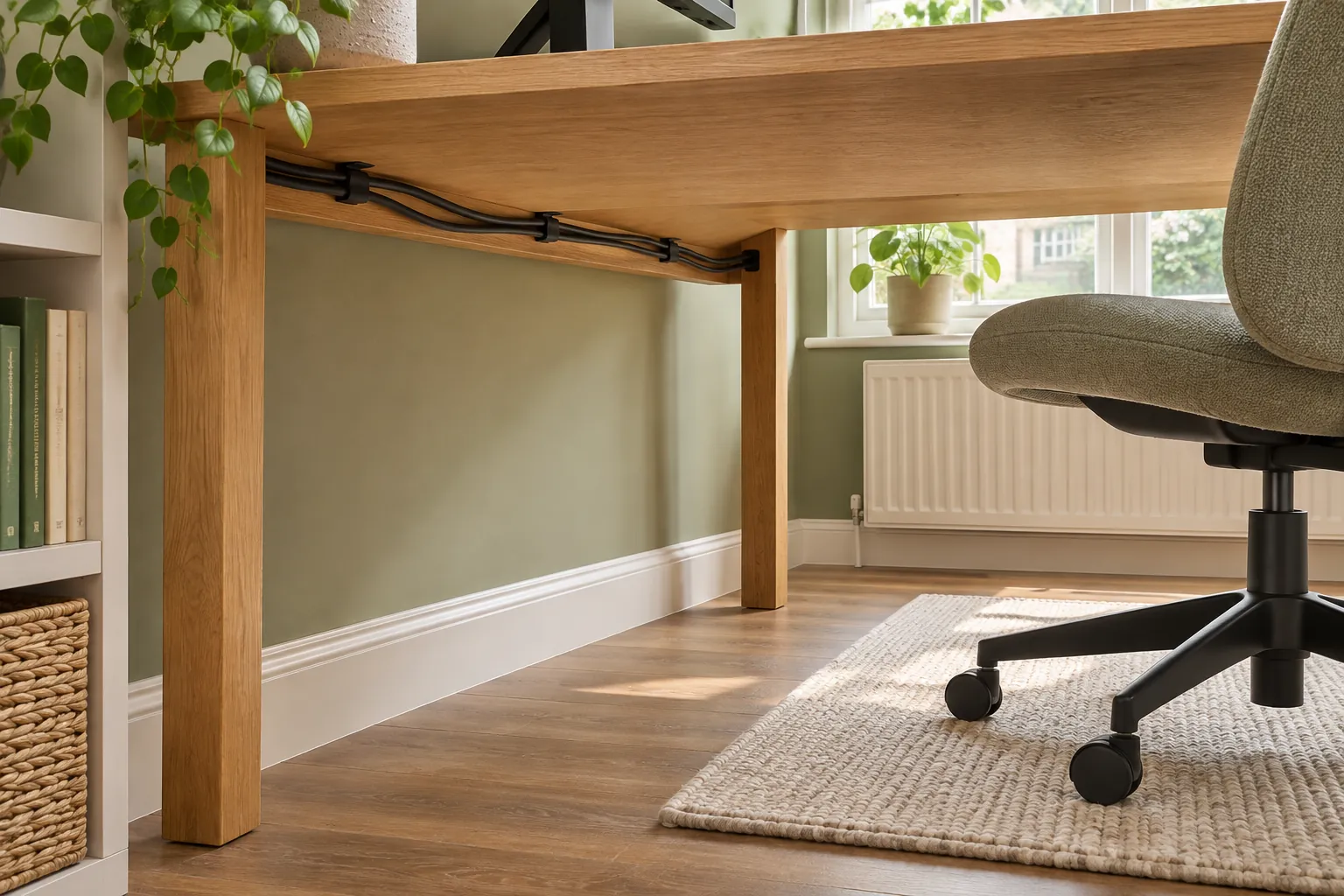
Give the floor a workable route
Remove small loose items, bags and footwear from the floor. Identify whether the surface is carpet, timber, laminate or another finish and share any care restrictions. A rolling chair can leave a different pattern of wear from ordinary traffic; cleaning may remove soil, but it will not reverse scuffs or dents. If a rug is present, check whether it can be lifted safely and whether it has its own care label.
Pay attention to the route between the door, chair and shelves. That is where crumbs, paper scraps and tracked-in grit often accumulate. A suitable vacuum attachment can reach accessible edges without forcing a tool against cables. If the room has not been cleaned for a long time, an initial deep cleaning discussion may be more realistic than adding a backlog to an ordinary recurring visit.
Handle shelves and collections deliberately
Books, models, awards and sample materials can be fragile or arranged in a particular order. Decide which shelves may be dusted and whether their contents should be moved by you first. Do not assume an item that looks decorative is safe to lift. Mention unstable shelving or loose brackets; cleaning cannot make a fitting secure.
Choose a suitable time
If you work from home during the visit, decide whether the office can be cleaned during a break or should wait until you finish a call. Give a realistic time window. Moving a laptop from one room to another may be easy for you but may interrupt the cleaning sequence if it happens repeatedly. Tell the provider about confidential calls or a room that must remain closed at certain times.
If nobody will be home, leave one current instruction with the room priorities and exclusions. Agree the access arrangements in advance. Avoid leaving different directions in emails, messages and notes on the desk. A single agreed version is easier to follow and easier to review after the visit.
Review what was actually possible
After cleaning, check the accessible surfaces and floor route. If a corner was missed, ask whether it was blocked by equipment, excluded by the instruction or outside the agreed time. Then decide whether to clear it before the next visit or leave it as an owner-managed area. This is more useful than asking for all cables and devices to be moved without a safe plan.
Do a five-minute preparation before the visit
Close and put away papers that contain personal or business information. Save work and secure devices according to your own workplace rules. Remove cups, plates and food packaging. Put pens, chargers and small tools in a tray so they can be returned without a search. Make sure the bin can be reached, but do not assume that confidential waste should be emptied with ordinary rubbish. Arrange its disposal through the route required by your work.
Pull the chair away from the desk if it can be moved safely, and check whether a loose mat creates a trip hazard. Point out anything that should not be shifted, including a standing-desk mechanism, monitor arm or fragile model. This brief preparation reveals the area that needs attention without asking you to reorganise the whole office. It can also show whether the agreed task list is realistic for the room as it stands.
Keep food and moisture separate from equipment
If you eat at the desk, deal with crumbs and spills promptly using a method suitable for the desk finish. Let a recently wiped surface dry before replacing electrical devices or papers. A mark that has reached a keyboard or computer is an equipment issue, not a normal household cleaning task. Follow the device guidance or seek appropriate technical help rather than applying more liquid.
Place drinks where they will not be knocked into cable connections. If a plant leaks onto a sill or floor, protect the surface and investigate the container. Repeated dampness can damage materials and should be resolved at its source. An office can be clean while still needing a separate repair or practical change in how it is used.
For regular cleaning, keep the office scope stable until the room changes. If you add a second workstation or replace a carpet with a different floor, update the material and access notes. A good office handover lets the cleaner care for the room while leaving your work and equipment exactly where you need them.